Your product in 3D. In the store, the campaign and the magazine.
Upload the photo you already use in your store. In a few minutes the product comes back in 3D, so shoppers can turn it on the product page and see it at real size on their phone, with no app. The same piece then moves into your campaign and can reach Complete Magazine.
The first piece is free. No card required.
If a piece is not faithful, the Complete Studio team reviews it by hand.
Brands that have worked with Complete Studio
Hover to see the work
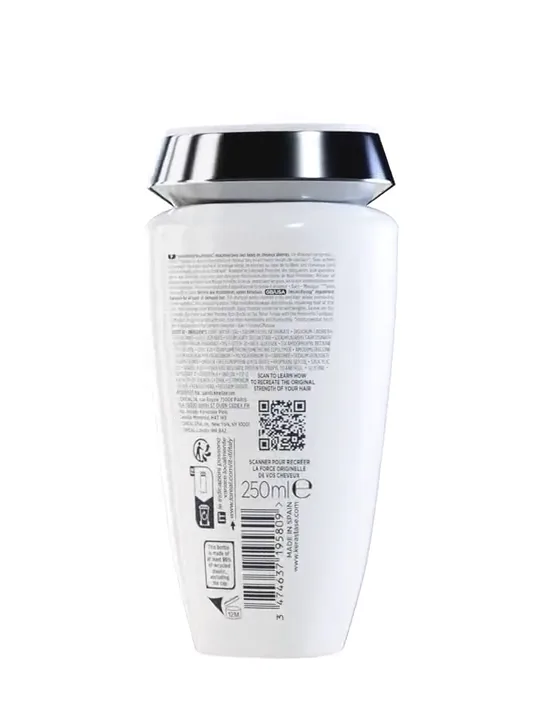

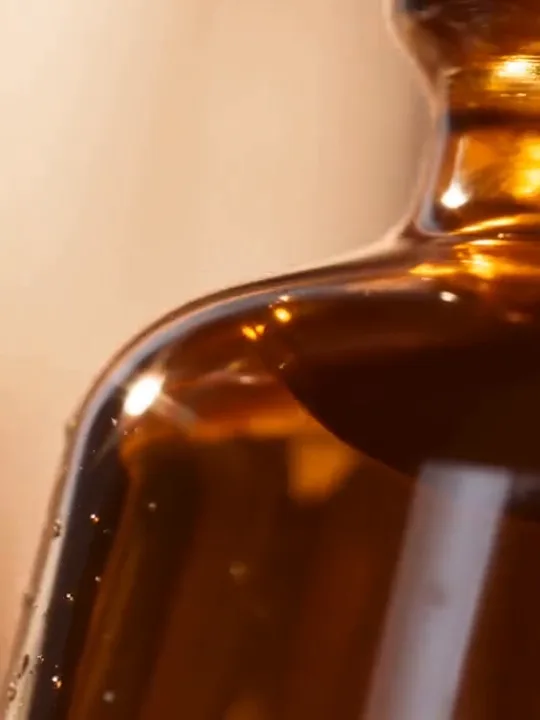
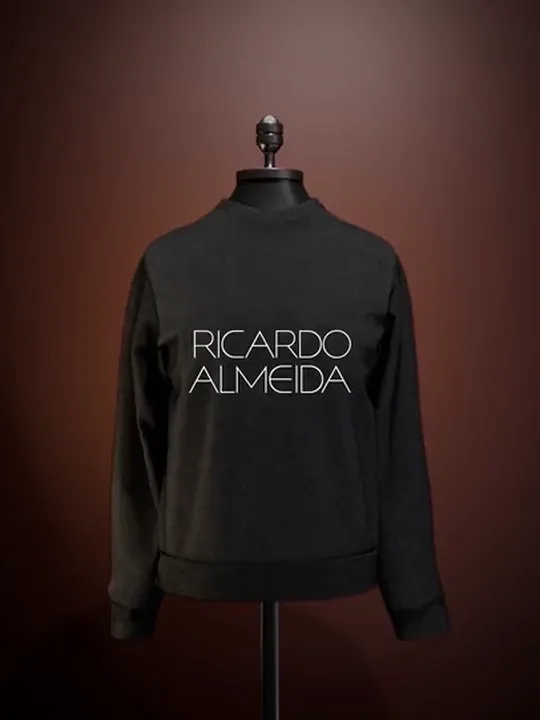

One piece, three showcases
The same 3D works in the store, the campaign and the magazine.
A 3D tool delivers a file. Here the piece keeps working once it is ready, in three places only Complete brings together.
Drag to turn it
The demo piece from this page, in 3D. Turn it with your finger or the mouse. In your store
The piece turns on the product page and opens in augmented reality on the shopper’s phone, at real size. That is what Complete 3D does, in minutes, from a photo.

Aura Beauty. Film by Complete Studio. In your campaign
When the brand wants more, Complete Studio takes the same piece into CGI film, social video and ads, with its own art direction.
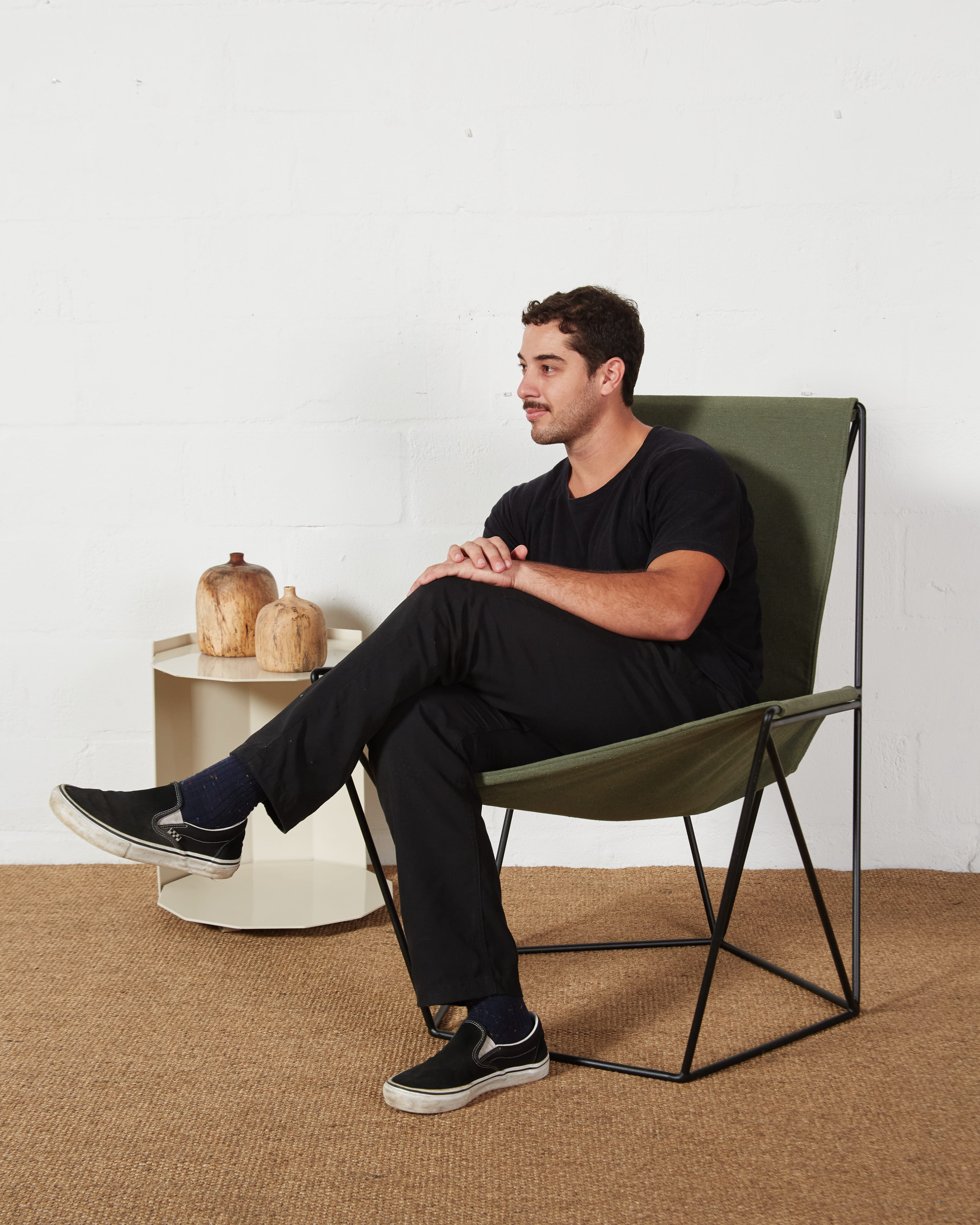
Estúdio Few in Complete Magazine, with the chair in augmented reality inside the story. In Complete Magazine
Through the platform, your brand suggests stories to the newsroom. When a suggestion becomes a story, the piece can appear in the text in augmented reality, for the magazine’s readers.
Read the story
How it works
From photo to product page in three steps.
Upload a photo
The same photo you use in your store, on a clean background with the whole product in the frame. One is enough for most pieces; two or three angles help when each side is different.
Get the piece in 3D
A few minutes later the piece comes back in 3D, at real scale, with the viewer and augmented reality ready. If something is not faithful, upload more photos or ask our team for a revision.
Add it to your store
Copy the code and paste it into the product page on Shopify, VTEX or WooCommerce. On Nuvemshop, use the piece’s link and QR code.
What shoppers see
The piece on your page, then in their home.
- On the product page
- The piece turns with a finger or the mouse, and zooms in on stitching, texture and finish. The rest of the page keeps loading normally while it arrives.
- On a phone
- One tap opens the camera and places the piece at real size on the floor or a table. No app: it runs in the browser, on iPhone and Android.
- On a computer
- A QR code takes the shopper to the same piece on their phone, already in augmented reality.
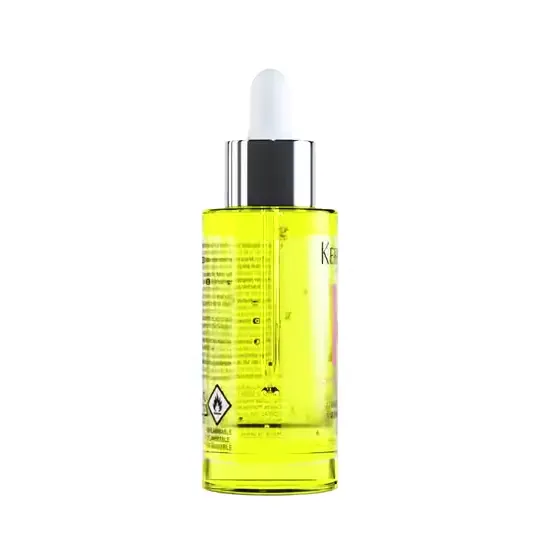
The bottle at the top of this page works this way. Try it.

Scan with your phone to see the bottle at real size.
Where it works
On the store you already have.
Complete 3D gives every piece a standard embed code, and each platform has a step-by-step installation guide.
Shopify
In the product description, or in a theme block for the whole catalog.
Installation guide: ShopifyNuvemshop
Through the piece’s link and QR code, because the platform strips embedded code from descriptions.
Installation guide: Nuvemshop
Any other site that accepts embed code takes the piece the same way.
What you measure
Every piece has its own numbers.
Live in Complete 3D, product by product.
- Views
- How many times the piece was opened on the page.
- Augmented reality opens
- How many people tapped to see the piece in their own space.
- QR code scans
- How many visits arrived through the piece’s QR code.
Set against each product’s sales and returns, these numbers show where 3D is making a difference, and which pieces are worth continuing with.
For campaigns
When a piece calls for art direction, Complete Studio steps in.
Launches, CGI films and products that do not physically exist yet call for different work: our team models, lights and renders each piece to order. The Studio has produced work for brands such as L’Oréal Brasil and Renner.
Questions
What brands ask before they start.
What do I need to start?
An account and one product photo, on a clean background with the whole piece in the frame. The first piece is free and no card is required.
How long does it take?
A few minutes per piece. Revisions handled by our team take longer, depending on the adjustment.
Do shoppers need to download an app?
No. The piece opens in the phone’s browser, on iPhone and Android, and augmented reality uses the viewer the device already has built in.
Which products does it suit best?
Pieces where size and proportion weigh on the purchase: handbags, shoes, jewelry, watches, bottles, lamps, decor objects and furniture. Transparent, mirrored or very thin pieces may need more photos or a revision.
Does it do virtual try-on on the body or face?
Not today. Complete 3D places the product in the room, at real size. On-body try-on for clothing calls for a different kind of tool, and Complete Studio discusses it case by case, in bespoke projects.
What if the model is not faithful?
You can upload more photos, redo only the finish, or ask our team for a revision. The adjusted piece comes back at the same address, so the code already in your store does not change.
What does it cost after the first piece?
Plans are shown inside Complete 3D, after the first piece, and depend on how many pieces you need each month. The free piece carries a discreet Complete mark in the viewer.
Try it with your own product.
The first piece is free, ready in minutes and needs no card. You judge the result on your product, not on a hand-picked example.
Need a custom project? Talk to Complete Studio